Lucky Ducky Install Guide: The Mistakes That Cost Players £££
Here's what goes wrong: someone searches «Lucky Ducky apk download», taps the first result, installs a 140 MB file from a site with no UKGC licence number in the footer, and wonders why the game asks for contacts and SMS permissions. Three days later their payment card gets used in Poland.
Lucky Ducky is a browser-based crash game from INOUT Games. You don't need a dedicated app to play it — most UKGC-licensed operators serve it as a web app that runs in Safari or Chrome, no install required. This guide walks through every safe install method, the numbered steps for each path, how to spot fake clones, and which permissions should immediately stop you from proceeding.
What the Lucky Ducky «App» Actually Is (Store-Style Overview)
Lucky Ducky doesn't exist as a standalone app in the App Store or Google Play under the developer name INOUT Games. Instead, UKGC-licensed casino operators package their entire game library — including Lucky Ducky — into their own branded apps, or serve individual games as progressive web apps (PWAs) that behave like installed apps but run through the browser.
The game itself receives server-side updates from INOUT Games — you never manually update Lucky Ducky. When you launch the game through an operator site or app, you're always playing the latest version with current provably fair algorithms and any new visual features.
Five Screens You'll See (and What They Mean)
- Mode selection grid — four difficulty cards (Easy 200X, Medium 1,400X, Hard 24,000X, Hardcore 1,000,000X) each showing free spins count, volatility lightning bolts, and the 100x bet bonus buy button. Tap a card to set your volatility profile before the first spin.
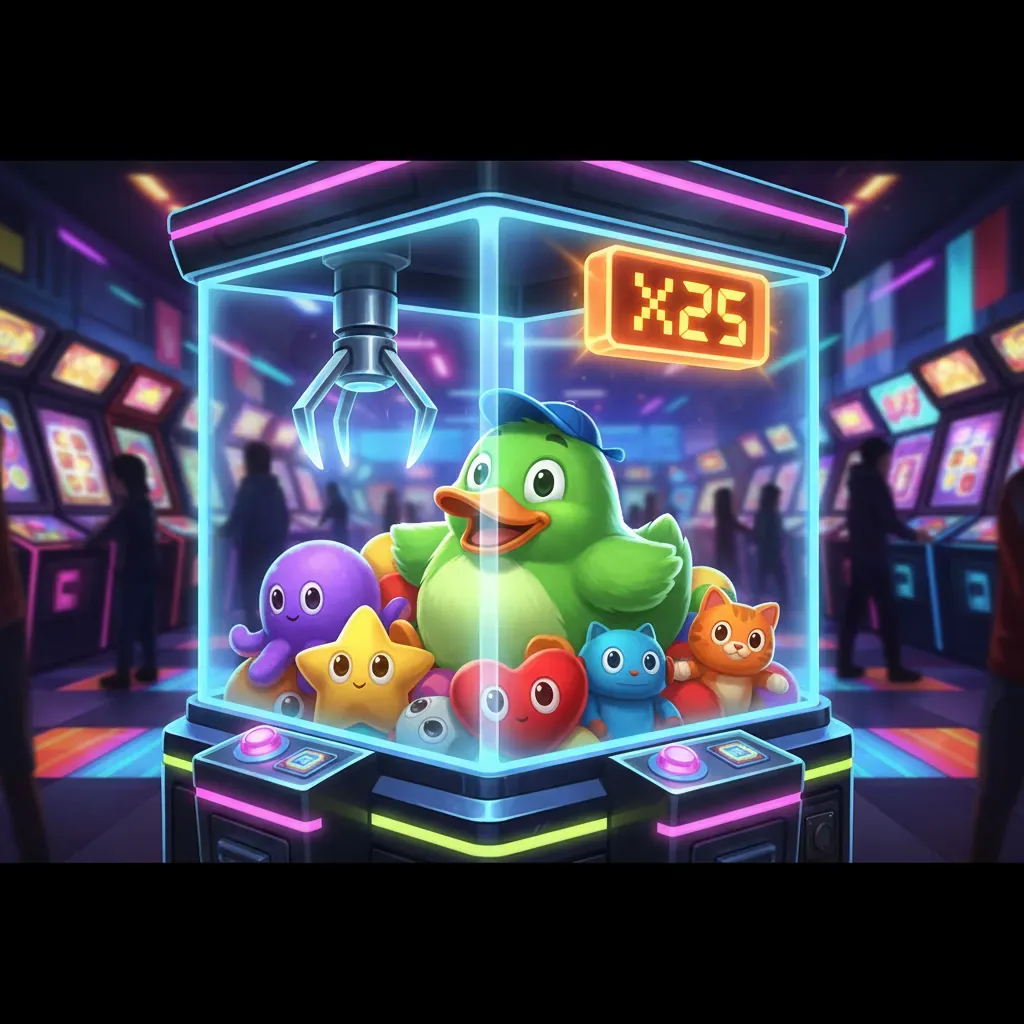
- Main cabinet view — full-screen 3D claw machine with the crane poised above a pile of colourful duck plush toys. Your balance sits top-left, bet controls bottom-left, the golden cashout button appears bottom-right after the first toy extraction, and the pink LED multiplier display glows inside the cabinet glass.
- Provably Fair modal — tap the settings gear to access server seed hash, client seed input from your first three bets, and SHA256 verification for every historical round. This screen proves each crane extraction was determined by cryptographic randomness, not visual sleight-of-hand.
- Bonus round transformation — when you trigger three purple hearts, the cabinet lights up with animated white and blue strips, orange lanterns flanking the glass, and a red-blue ribbon banner. Your total accumulated win displays in bright green at the top, updating with each free-game toy extraction.
- Mega Win celebration — triggered at 210X or higher. The screen darkens, an oval badge with glowing lightbulbs appears, 3D golden «MEGA WIN» text, your win amount on a burgundy plaque, and the multiplier in gold below. On smaller wins you see the duck mascot giving a thumbs-up with yellow numbers showing free games won.
These screens are identical whether you play in a mobile browser, a PWA saved to your home screen, or inside an operator's native casino app. The difference is wrapper and login flow, not the game itself.
Install Paths: Browser, PWA, Operator App, and APK (Numbered Steps and Risk)
There are four ways to get Lucky Ducky on your phone. Three are safe; one is a red flag.
| Method | Steps | Risk Level |
|---|---|---|
| Browser (no install) | 1. Search the UKGC register for a licensed operator offering INOUT Games titles. 2. Visit the operator site in Safari or Chrome. 3. Log in (or register and verify age with ID). 4. Search «Lucky Ducky» in the game library. 5. Tap to launch in the browser tab. | Minimal — no permissions requested, no install, easy to verify UKGC licence number in the footer. |
| Add to Home Screen (PWA) | 1. Launch Lucky Ducky in Safari (iOS) or Chrome (Android) following the browser steps above. 2. On iOS: tap Share → Add to Home Screen. On Android: tap the three-dot menu → Install app or Add to Home Screen. 3. Name the shortcut and confirm. 4. The game icon appears on your home screen; tapping it opens Lucky Ducky in a standalone window without browser UI. | Very low — still browser-based, no additional permissions, updates automatically, removes itself if you delete the shortcut. |
| Operator Native App | 1. Check the operator's site footer for their App Store or Google Play link. 2. Download the operator's casino app from the official store (verify the developer name matches the UKGC licensee). 3. Install and open the app. 4. Log in with your existing account. 5. Navigate to the crash games or slots category and launch Lucky Ducky. | Low — App Store and Google Play vet submissions, UKGC operators use standard casino app permissions (location for geofencing, notifications for promotions). Avoid apps requesting contacts, SMS, or camera access during install. |
| APK from third-party site | 1. Search «Lucky Ducky apk download». 2. Download an APK file from a non-official source. 3. Enable «Install from unknown sources» in Android settings. 4. Install the APK. 5. Open the app and… you've likely installed malware. | Extreme — APKs bypass Google Play vetting. Lucky Ducky is browser-based and doesn't distribute standalone APKs. Any «Lucky Ducky.apk» is either a repackaged operator app (voiding your UKGC consumer protections if unlicensed) or outright malware harvesting your payment details. |
Phone Requirements, Permissions, and What the App Actually Does
Lucky Ducky runs on any phone that can handle WebGL-accelerated 3D graphics in a modern browser. Minimum requirements: iOS 13 or Android 8, 2 GB RAM, and a stable 3G connection (4G or Wi-Fi recommended during bonus rounds when multiple animations render simultaneously). The game scales to portrait orientation on mobile, enlarging the cashout button to 44px minimum touch target and adapting the cabinet to fill your screen.
Legitimate permissions for a UKGC operator app or PWA:
- Location (coarse) — geofencing to confirm you're in the United Kingdom when you log in. UKGC licensees can't serve players outside permitted jurisdictions.
- Notifications (optional) — promotional messages, deposit limit reminders, or session time alerts. You can deny this and still play.
- Storage/cache — the browser or app caches the 3D cabinet assets, textures, and sound files (~85 MB) so the game loads faster on subsequent launches.
Red-flag permissions that signal a fake or malicious app:
- Contacts or call logs — no gambling game needs your phonebook.
- SMS read/send — used by malware to intercept two-factor codes or send premium-rate texts.
- Camera or microphone without explanation — legitimate KYC (know your customer) checks ask for camera access in-flow when you upload ID, not at install.
- Device admin or accessibility services — these grant deep system control and are never required for a casino game.
What Lucky Ducky does when you launch it: connects to INOUT Games' server to load the cabinet 3D model, fetches your balance and bet history from the operator's API, displays the four difficulty mode cards, and waits for you to select a mode and press spin. Every crane extraction is determined server-side using provably fair SHA256-hashed seeds — the animations you see are a visual representation of results already locked in before the crane descends.
Spotting Fake Clones and What's New in the Current Version
Fake Lucky Ducky clones appear in three forms: rebranded browser games on unlicensed sites, APKs bundled with adware or spyware, and lookalike apps in third-party Android stores. Here's how to identify them before you install or deposit.
- No UKGC licence number in the footer — every legal operator serving British players must display an active UKGC remote gambling licence number (format: 000-000000-R-000000-000). Look it up in the UKGC public register and match the operator name. If the footer says «Curaçao licensed» or shows no regulator, the site is illegal to market in the United Kingdom and you have no consumer protection.
- No GAMSTOP mention — UKGC operators must participate in the national self-exclusion scheme. If the site advertises «no GAMSTOP» or «play without verification», it's unlicensed.
- Developer name mismatch — Lucky Ducky is developed by INOUT Games. Any app or site claiming development by a different studio, or offering «Lucky Ducky 2» or «Lucky Ducky Mod», is unauthorised.
- Deposit methods that violate UK rules — if the site accepts credit cards (banned for gambling since 2020) or cryptocurrency without a clear KYC process, it's not compliant.
- Stake limits missing — UKGC operators enforce £5 per spin caps (£2 for 18–24 year-olds). If you can bet £50 or £100 per spin on what claims to be Lucky Ducky, you're on an unlicensed clone.
What's new in the current version: Lucky Ducky receives server-side updates from INOUT Games without requiring manual downloads. Recent additions include the multiplier ticker (scrolling display of your last 30 results in red/white/green), keyboard shortcut support on desktop (Space bar to spin, toggled in settings), and enhanced mobile touch targets (cashout button turns bright yellow when active and meets the 44px accessibility minimum). The provably fair system now displays the next server seed hash before each round begins, allowing verification before you commit your stake.
FAQ
Can I play Lucky Ducky for free without an operator account?
Demo play is available on most UKGC-licensed sites, but many require you to register and verify your age (18+) before unlocking free play. This is a regulatory requirement, not a trick to collect data — operators must confirm you're not underage before showing gambling content. You won't need to deposit to try the demo, and your play-money balance doesn't convert to real funds. The demo uses the same provably fair algorithms as real-money play, so you can test cashout strategies across all four difficulty modes (Easy 200X through Hardcore 1,000,000X) and experience bonus rounds without risk.
Why does Lucky Ducky ask for location permission?
UKGC-licensed operators use coarse location (city-level, not GPS coordinates) to confirm you're physically in the United Kingdom when you log in and play. Remote gambling licences prohibit serving players outside permitted jurisdictions, so geofencing is a compliance requirement, not data harvesting. The operator checks your location at login and periodically during play; if you're abroad or using a VPN to mask your location, the app or site will block access. This protects both you (ensuring you're covered by UK consumer law and the UKGC's dispute resolution process) and the operator (who faces penalties for serving unlicensed markets).
What happens if I install Lucky Ducky from an APK and deposit?
If the APK is a repackaged clone from an unlicensed site, you've bypassed UKGC protections: no GAMSTOP self-exclusion, no mandatory affordability checks (which start at £150 net deposits per month on licensed sites), no dispute resolution through the operator's UKGC-approved process, and no guarantee the game is running legitimate provably fair algorithms. Your deposits go to an entity outside UK jurisdiction, your payment details may be stored insecurely, and if the site disappears your balance goes with it. Worse, some APKs contain malware that intercepts banking app credentials or SMS two-factor codes. The cost of the mistake: your deposit, potentially your card details, and zero legal recourse. Stick to UKGC-registered operators accessed through official app stores or directly via browser.